Focus manager Introduced the focus manager to maintain the focus nodes in Kanzi. The focus manager includes features, such as focus scopes and fencing, separation of active and logical focus, and directional focus definitions. See Focus and Tutorial: Use keyboard input to navigate your application.
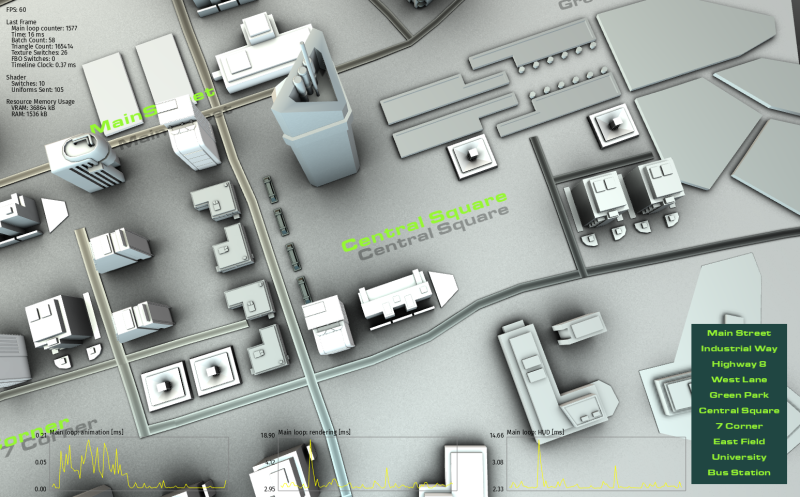
Application performance profiling Improved the application performance profiling system to include performance measurements for each frame, startup, and tools to help you visualize the performance of your Kanzi application. Kanzi now includes performance profiling builds for reference platforms. The application performance profiling system is now available to all users. See Measuring application performance.
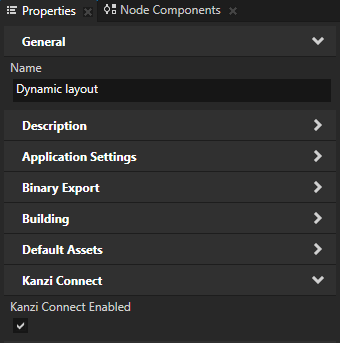
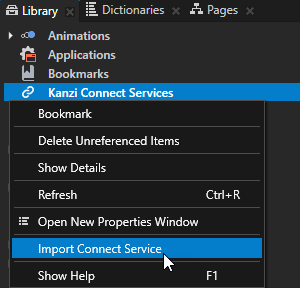
Kanzi Connect tools in Kanzi Studio These Kanzi Connect introspection tools allow you to connect to a Kanzi Connect server and get Kanzi Connect message triggers and actions, and data sources directly in Kanzi Studio. To use the Kanzi Connect functionality, you must have Kanzi Connect installed.
Feature improvements
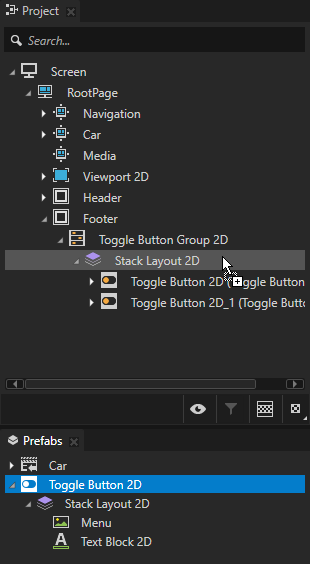
Combined the functionality of the Project and Nodes windows into a single Project window.
The improved Project window presents your project in a node tree view and allows you to customize how you see the structure of your project.
The Prefabs window is now included in the default Kanzi Studio layout, which enables you to readily access and use prefabs independently from the Project window.
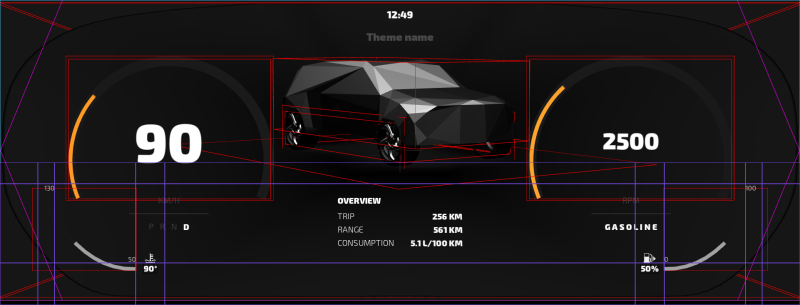
Improvements to Preview visualizations. You can now:
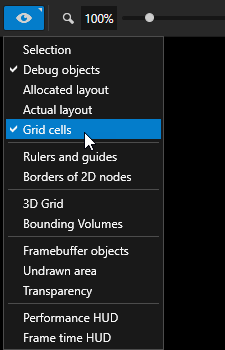
View the cells in Grid Layout 2D nodes.
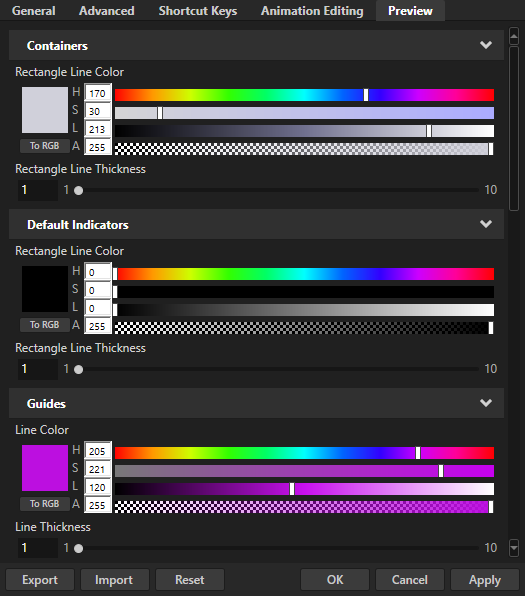
Customize the color and line thickness of the items you want to view when the Preview is in the Analyze mode.
Select the items you want to view when the Preview is in the Analyze mode from the dedicated Preview main menu. The Preview main menu includes also the Preview controls which were in previous versions available in the Project main menu.
You can now add descriptions to items in Kanzi Studio projects, which you can export to a plain text file which contains the item path and description. See Documenting a project.
When you automate the exporting of kzb files, you can now set Kanzi Studio to export the xml version of the kzb file. See Exporting kzb files using a script.
You can now set in your Kanzi Engine plugins for the nodes you create, which properties you want to list as frequently added properties in Kanzi Studio. See Extending the functionality of Kanzi Engine.
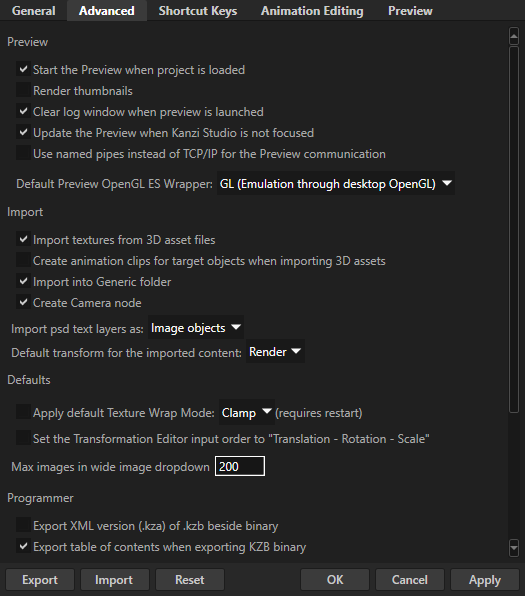
To improve Kanzi Studio performance in projects with large amount of images, in the Edit > User Preferences > Advanced tab you can now configure with the Number of images to show in wide dropdowns preference the dropdown for image properties to use a simplified, but much faster mode to show the images.
Several improvements that help you get things done in less time:
In the Project Merge tool you can now inspect contents of bindings, triggers, tags, and aliases of the projects you want to merge. See Merging projects.
Copy a set of bindings and append them to an existing list of bindings instead of replacing the whole set of bindings.
Copy and paste individual triggers, which is useful when you have more than one definition for a message and use conditions.
Set the name of the JavaScript script when you create it with the Execute Script action. See Using scripts.
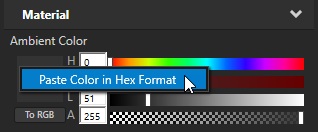
Paste colors in hexadecimal format also without the # prefix. See Using brushes.
Renamed the property which you can use to adjust the scale of imported 3D assets and enabled the setting of the property to values lower than 0,1. See Adjusting the scale of imported 3D assets.
When you export kzb files from a project that refers to other projects, Kanzi Studio now stores locale and theme packs from referenced projects to own directories in the project.
When you export kzb files from a localized project, Kanzi Studio names the kzb files <kzbname>_<locale>.kzb.
When you import more than one item to your project Kanzi Studio shows in the information bar the number of items and errors that occurred when Kanzi Studio completes the importing.
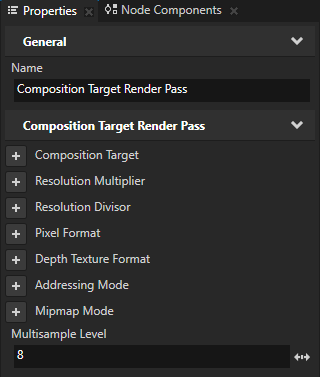
When you create a Blit Render Pass using the Kanzi API, Kanzi now sets it to use the default material.